Canva Template Kit · Get Postd
Your content is planned. Now make it look good.
Just Tell Me What to Post: Canva Template Kit
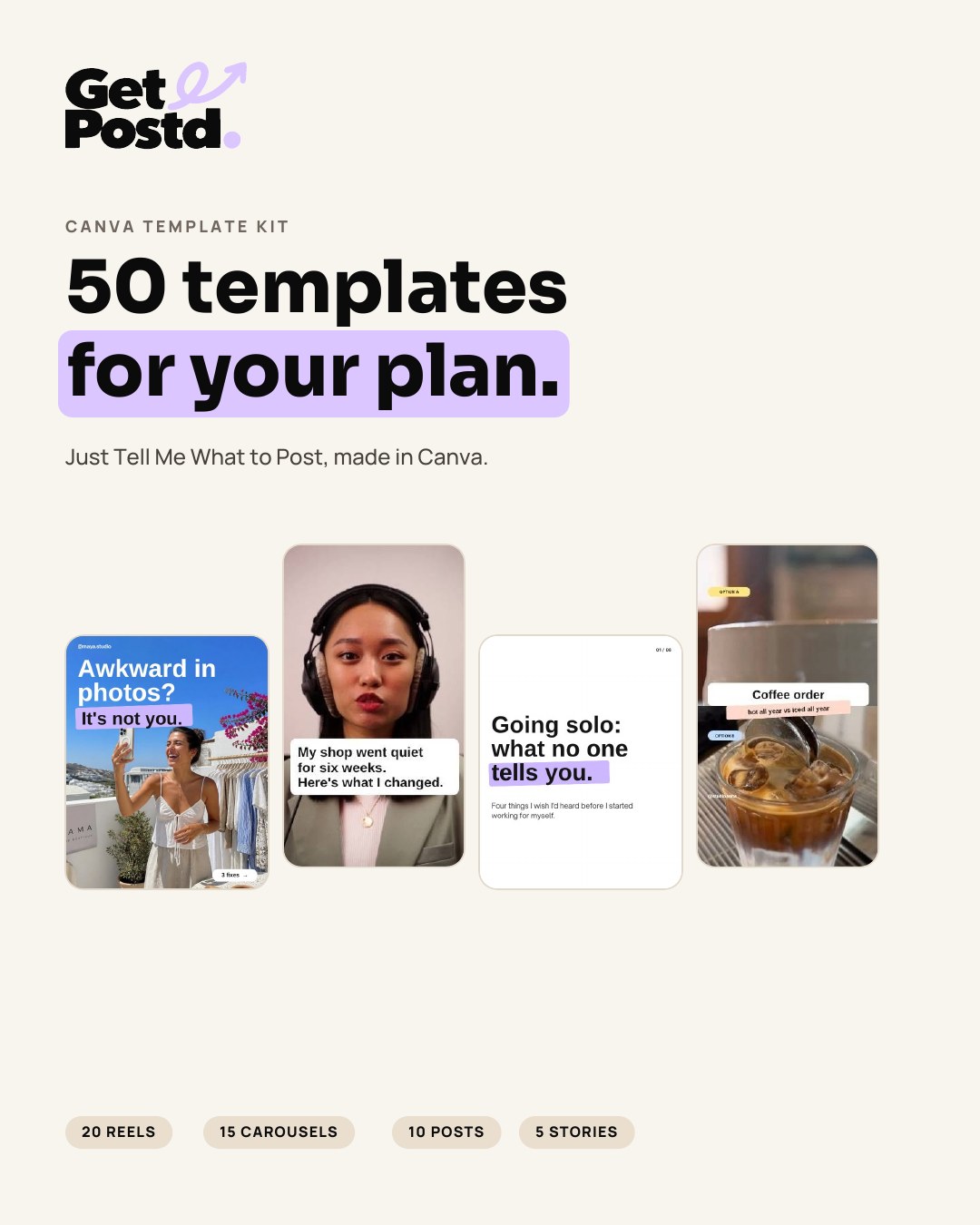
50 editable Canva template designs to help turn your ideas into social posts without designing from scratch.
See the templates.
Reels, carousels, posts and Stories from the kit. Tap any design to see it larger.
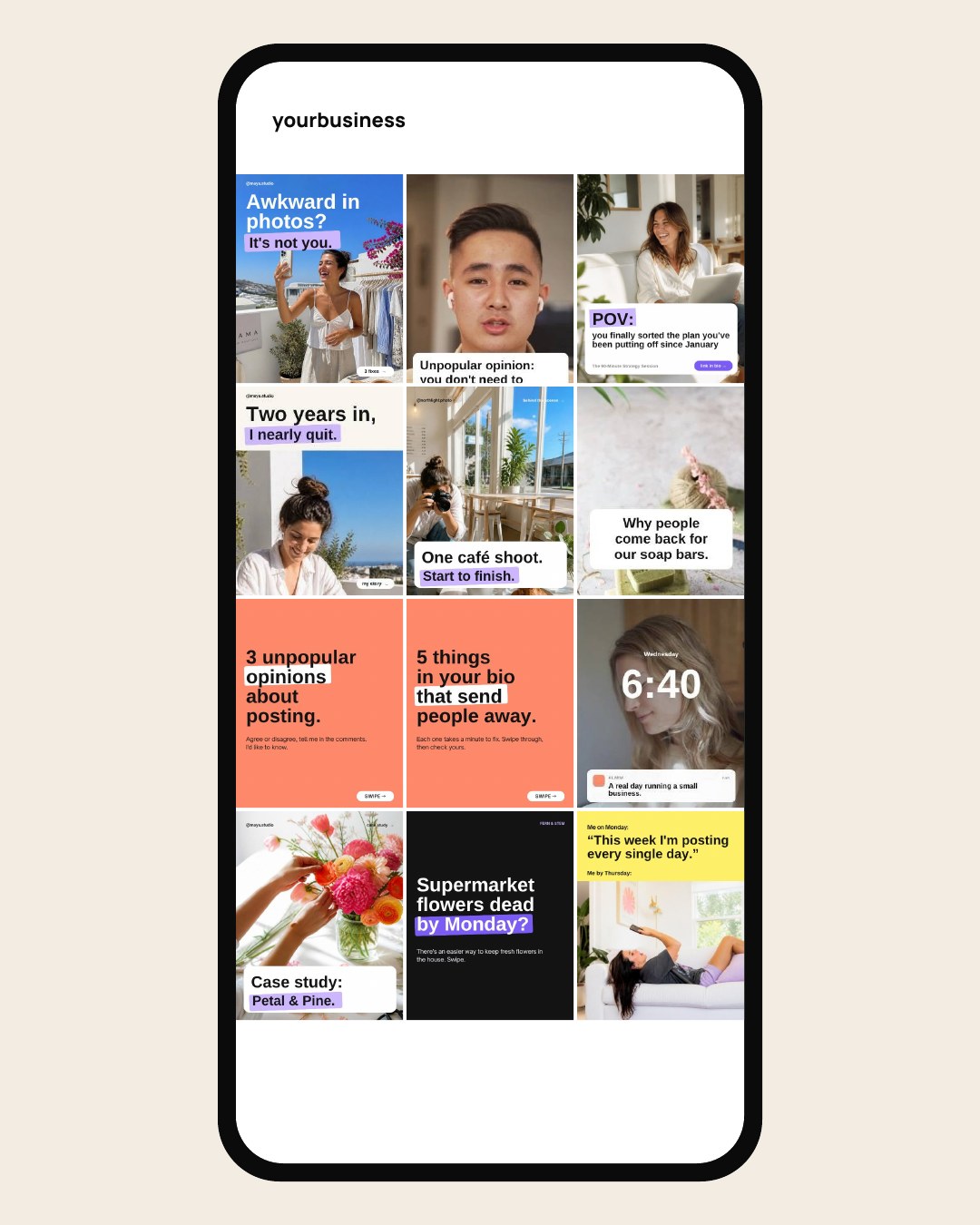
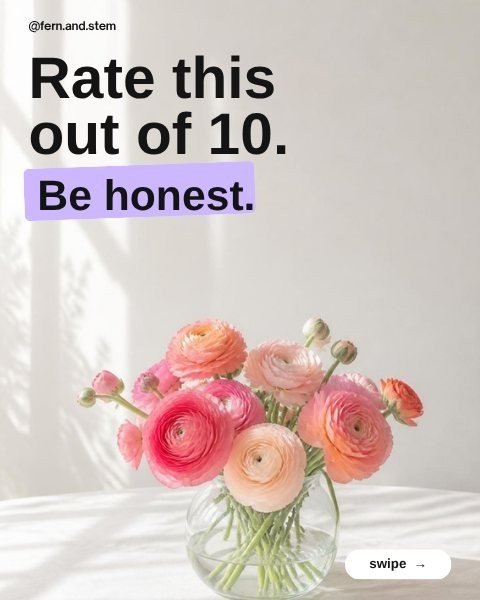


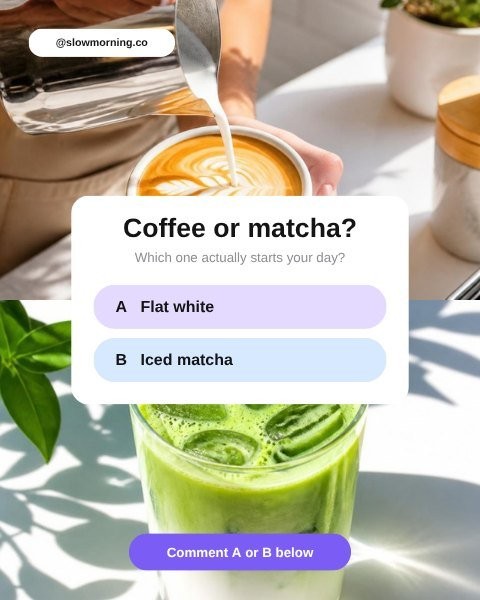

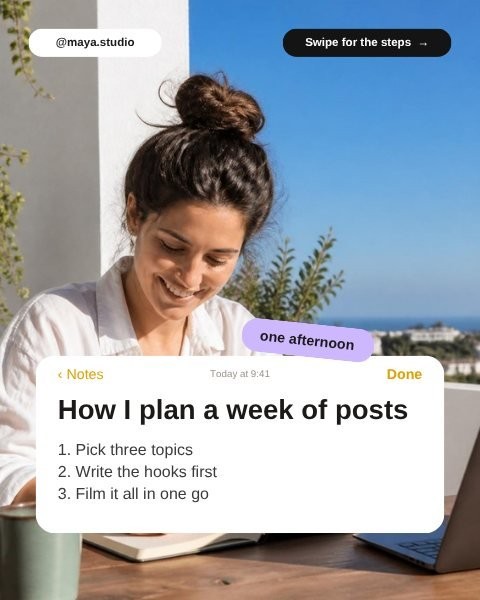



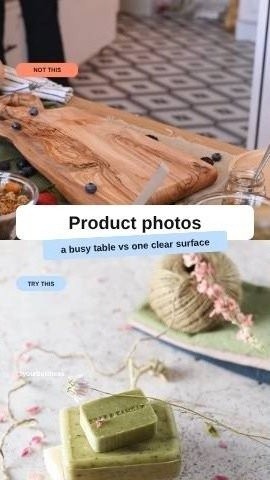
Previews from the collection. The finished templates may differ slightly.
What's included.
50 editable Canva template designs, organised into five content types so you can always find the right one.
- 20Reel templatesTalking to camera, clips with text, split screen, and text over one clip.
- 15CarouselsMost follow a simple hook, three points, takeaway and call to action.
- 10Static postsTips, checklists, quotes, conversation prompts and offers.
- 5Instagram StoriesQuestions, polls, behind the scenes and announcements.
Each design counts once, however many slides, scenes or frames it has. A seven-slide carousel is one template, and so is a five-scene Reel.
Five content types
- TEACHShare what you know.
- PROVEShow your work and real results.
- RELATELet people get to know you.
- TALKStart a conversation.
- SELLMake the offer, clearly.
Also included
- A template directory, sorted by content type and then by format
- A short Start Here guide (PDF) that takes you from an idea to a finished post
How it works.
You'll need a Canva account to use the templates.
- 1Buy the kitPay securely by card. It's a digital product, so there's nothing to wait for in the post.
- 2Download the access guideYour email has a secure link to the Start Here guide and your template catalogue.
- 3Browse the template catalogueFind a template by content type (TEACH, PROVE, RELATE, TALK, SELL) or by format.
- 4Open it in your Canva accountEach link makes your own editable copy in Canva. The original stays untouched.
- 5Replace the contentChange the words, swap in your photos or video, and add your name and @handle.
- 6Download and publishExport from Canva and post to Instagram or any platform that takes these sizes.
Made for your business.
One collection that adapts to your business, not a separate pack for every industry.
- No Get Postd brandingThe templates are brand-neutral, so your posts look like yours.
- Change everythingWords, photos, video clips, colours, your name and @handle, and the call to action.
- Examples, not stock contentThe photos, clips and names inside are there to show the layout. Swap in your own.
Templates that show numbers, reviews or client stories are built for your real ones, used with permission.
Works with the 30-Day Content Kit.
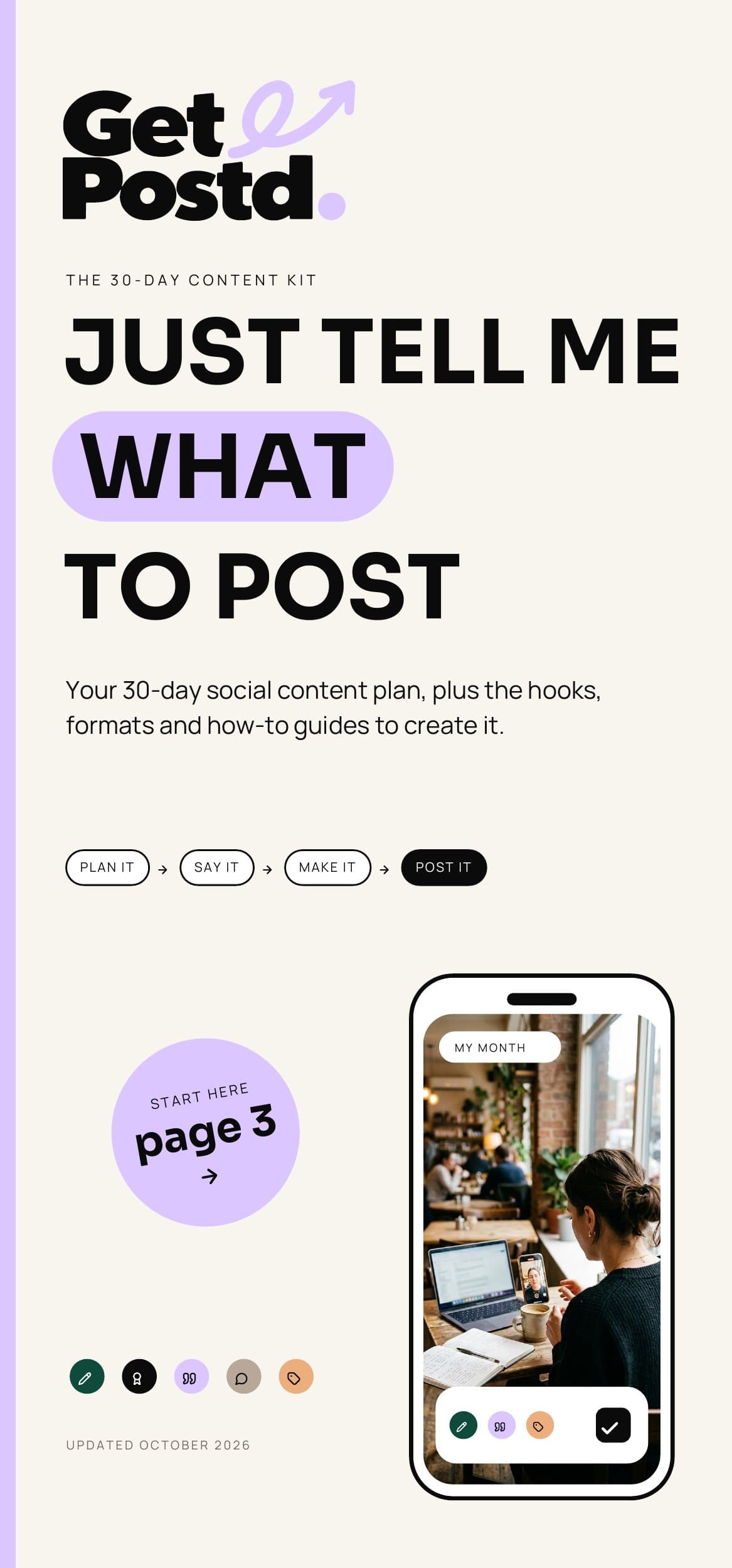
The ideas
The 30-Day Content Kit
Gives you the ideas, hooks and formats. Every post in it carries one of five labels.
View Product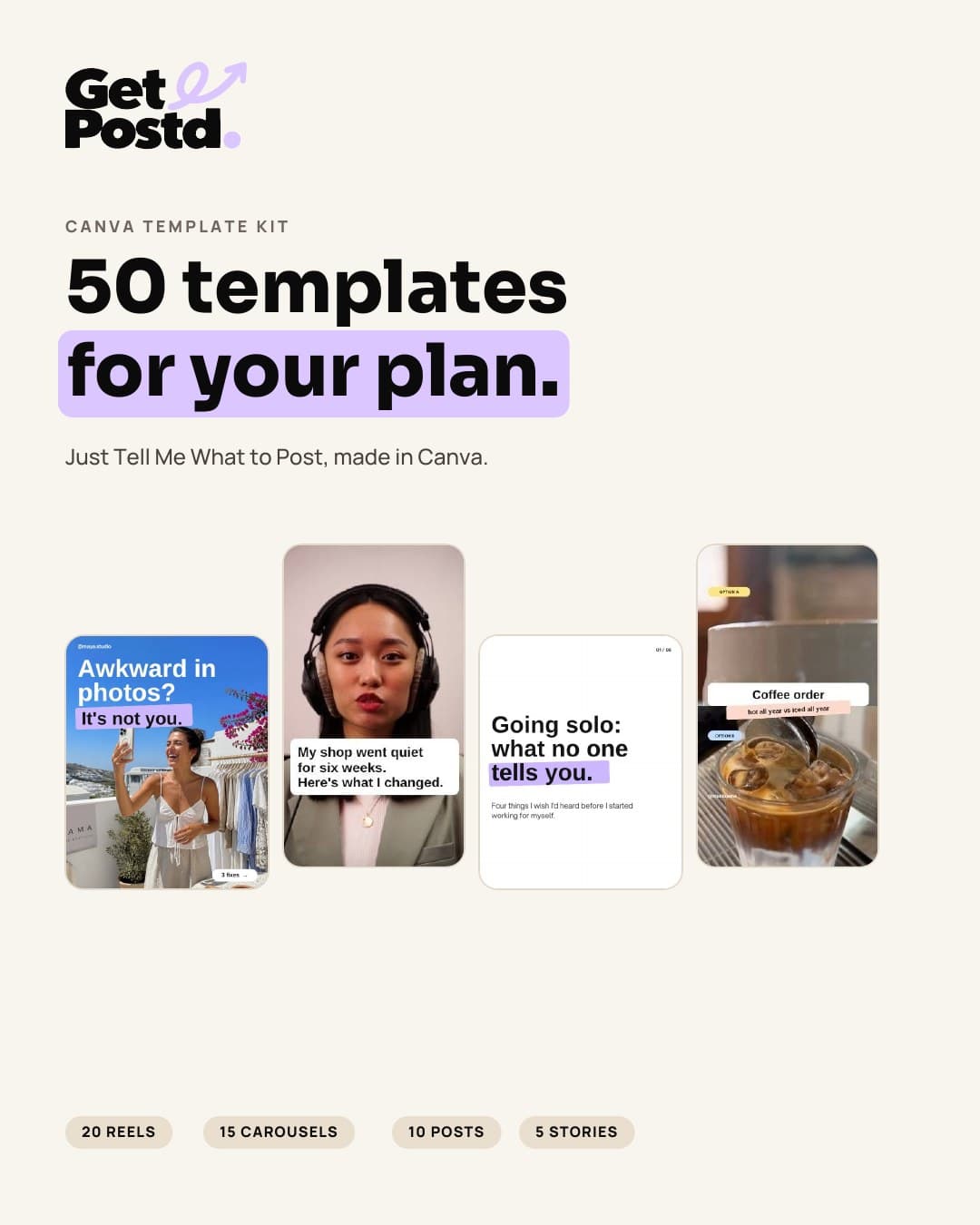
The designs
The Canva Template Kit
Has ten templates for each label: four Reels, three carousels, two static posts and one Story.
Whatever the plan tells you to post, there's a design ready for it.
Optional bundleComplete Content BundleThe 30-Day Content Kit plus the Canva Template Kit: the plan tells you what to post, the templates help you make it.Coming SoonView ProductGood questions.
Do I need Canva?
Yes. Each template opens as your own copy in your Canva account, so you'll need one.
Can I use Canva Free?
We're confirming this before the kit launches. The answer will appear here.
Are images and text editable?
Yes. You can change the words, photos, video clips, colours, your name and @handle, and the call to action. The photos, clips and names in the templates are examples to show the layout.
Can I replace the videos?
Yes. Each Reel template is split into scenes. You swap in your own clips, trim them, and export an MP4 from Canva. Talking-to-camera Reels need about 10 seconds of you talking to your phone; the others use short clips of your work or space.
Do I need design experience?
No. The layouts are already designed. You change the words and swap in your photos or clips, and the Start Here guide walks you through it.
Do I need to buy the PDF as well?
No. The templates work on their own, and the directory explains each one. They're designed to match the 30-Day Content Kit, so if you have both, every post in your plan has a template ready.
How do I receive the templates?
After payment you'll get an email with a secure link to your template catalogue and the Start Here guide. From the catalogue, each template opens as a copy in your own Canva account.
Can I reuse the templates?
We're confirming this before the kit launches. The answer will appear here.
Can I use them for my business?
We're confirming this before the kit launches. The answer will appear here.
Can I share or resell the templates?
We're confirming this before the kit launches. The answer will appear here.
What happens after payment?
You'll see a confirmation page straight away, and your access email follows shortly. If it doesn't arrive, you can have it sent again from the Resend my access page.
Canva Template Kit
Just Tell Me What to Post: Canva Template Kit
Coming Soon. This page will update as soon as it's ready.
Digital product. Your access link arrives by email after payment. You'll need a Canva account.